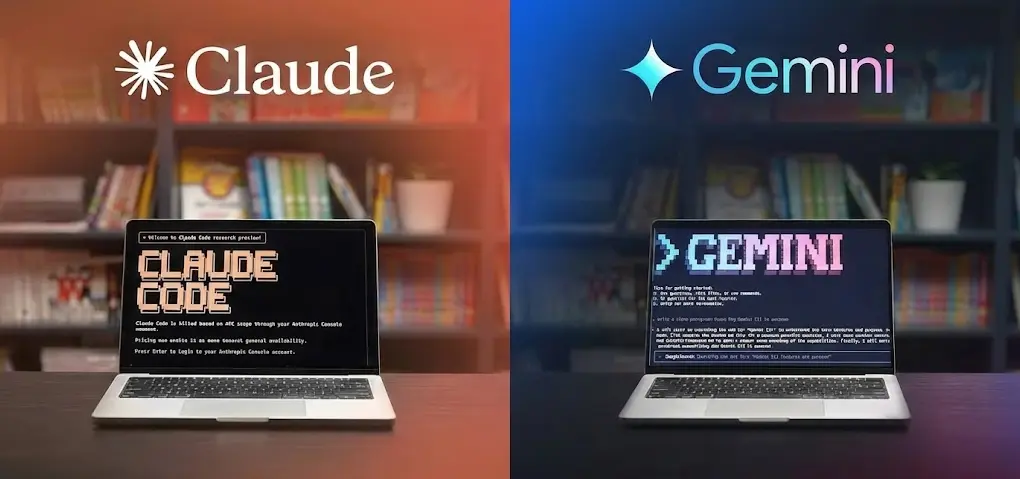

The "Brain" vs. The "Workbench"
Let’s get one thing straight: coding an app isn't just about writing a single function. It’s about context. It’s about remembering that user_id you changed three files ago and understanding how your new dark mode component breaks the entire dashboard.
This is where the distinction became clear to me.
- Claude (specifically 4.5 Sonnet) is the "Brain". It has impeccable logic. If I give it a complex algorithm or a tricky React hook that’s causing infinite re-renders, Claude fixes it. It reasons through the problem like a senior engineer doing a code review.
- Gemini (3 Pro) is the "Workbench". It’s not always the sharpest logic-wise (thought it does a pretty good job), but it has a massive memory. It can "see" my entire project. It knows about the obscure utility file I wrote three weeks ago because I can dump the whole codebase into its context window.
Round 1: Starting from Zero (New Features)
When I'm starting a blank file or building specific, isolated features, the experience is noticeably different.
Where Claude Shines
If I need to generate a single, complex component - say, a draggable Kanban board with optimistic UI updates - Claude is my go-to. Its "one-shot" accuracy is terrifyingly good. I rarely have to debate with it about syntax errors or hallucinated imports. It tends to follow best practices out of the box, producing cleaner, more readable code that I don’t have to refactor immediately.
Where Gemini Struggles
Gemini, in this specific isolated context, can sometimes be a bit eager. It might give me a solution that works but uses a slightly outdated library or misses a subtle edge case. It feels like a junior developer who works incredibly fast but needs a quick double-check before merging.
Round 2: The "Spaghetti Code" Test (Existing Projects)
But here is the reality: 90% of my time isn't spent starting from scratch. It's spent wrestling with legacy code. This is where the tables turn completely.
The 1-Million Token Advantage
Gemini’s context window is a superpower. I cannot overstate this. Being able to drag and drop every single file related to a feature - i.e. documentation, database schema, three different controller files, and the frontend view - into Gemini is a game changer.
When I ask Gemini, "Why isn't this checking out?" It doesn't just guess, it looks at the database schema file I included and points out "Hey, your schema says user_id is a UUID, but you're passing an integer in the controller." Claude often struggles here simply because I have to carefully curate what I paste into the chat to keep it within context limits.

Why Partial Context Kills Productivity
With Claude, I often find myself playing "Prompt Tetris". If I am not specific enough, Claude gives me a perfect solution for a problem I don't have, because it didn't know about utils.js. That friction adds up. With Gemini, I just dump it all in.
Round 3: The Ecosystem & "Quality of Life"
The seamlessness of the ecosystem is the tie-breaker for me.
Google AI Studio + Antigravity (The Secret Weapon)
I admit, I’m biased because of the tools. Google AI Studio is fantastic for managing prompts and testing different model temperatures. And when you pair it with tools like Antigravity, or just the deep integration into the Google Cloud ecosystem, the friction disappears.
Make your idea real vibe-coding it with Google AI Studio. Then, make that MVP production-ready with Antigravity. What used to take several days or weeks now takes a few hours.
Rate Limits & The "Lazy" Factor
Here’s a practical truth: I code a lot. I hit "enter" on my prompts hundreds of times a day. Claude’s rate limits on the Pro plan can be a buzzkill. There is nothing worse than being in the "flow state", fixing a bug, and getting hit with "You have 10 messages left until 5 PM". Gemini feels much more generous. I rarely feel like I have to ration my questions or reach the limit.
The Verdict: Why I Stick with Gemini (Mostly)
So, who wins? For me, it's Gemini as the daily driver or building from scratch, or Claude for specific fixes or product enhancements.
If you can only afford one?
- Pick Claude if you are a full-time dev with already made products and you need to make relatively small changes, or if you are a junior dev learning and need perfect explanations.
- Pick Gemini if you are building full-stack apps and need an AI that understands your entire project directory.
| Scenario | Winner | Why? |
|---|---|---|
| New, Isolated Component | Claude | Better logic, cleaner code, less debugging. |
| Refactoring Existing Code | Gemini | Massive context window sees the whole picture. |
| Debugging "Ghost" Bugs | Gemini | Can analyze all connected files to find the root cause. |
| Complex Algorithmic Logic | Claude | Superior reasoning capabilities. |
| Value for Money | Gemini | Generous limits + Google One benefits. |